

Security Awareness Training
Built for the threats employees face now.
Modern online security awareness training for employees covering phishing, business email compromise, social engineering, information protection, generative AI, responsible AI, and incident response.


Assign the right Security Awareness course to each employee.
Your CFISA eLearning account includes all three Security Awareness options. Assign Essentials, Complete, or the Texas DIR-certified course based on the employee, role, or training requirement.
Security Awareness Training – Essentials
Focused cybersecurity awareness training covering the threats and decisions most employees encounter during everyday work.
Security Awareness Training – Complete
Everything in Essentials, plus lessons on foreign-adversary awareness, predictable employee behavior, mobile devices and IoT, social media security, and identity theft.

Texas DIR Security Awareness Training – Essentials
All 13 Essentials lessons plus foreign-adversary awareness and additional requirements for covered Texas public-sector employees, contractors, and volunteers.
Current threats.
Practical decisions.
Clear next steps.
Employees see realistic situations, make decisions, and receive feedback designed to improve the security choices they make at work.

Employees apply the lesson before moving on.
Scenario-based questions ask learners to identify warning signs, slow down, verify requests, and choose the safest response.
- Realistic employee decisions
- Immediate answer feedback
- Practical actions learners can use at work

Training reflects how employees actually get targeted now.
The curriculum addresses current phishing tactics, impersonation attempts, QR code attacks, social engineering, business email compromise, remote-work risks, and other real-world situations employees face.
- Phishing, spear phishing, and quishing
- Business email compromise and impersonation
- Remote work, travel, and information handling risks
Phishing and quishing
Recognize malicious messages, links, attachments, QR codes, and targeted attacks.
BEC and social engineering
Identify impersonation, forced urgency, unusual requests, and manipulation tactics.
Passwords and access
Use strong passphrases, multi-factor authentication, and secure physical access habits.
Information protection
Classify, store, retain, sanitize, and dispose of information through approved processes.
Remote work and travel
Protect information while working remotely, traveling, and using public networks.
Generative AI and Responsible AI
Use approved tools, protect sensitive data, verify output, and maintain human oversight.
View all 13 Essentials lessons and runtimes Complete includes all 13 plus four additional lessons
- 01Why Security Awareness Matters to You5:19
- 02Threats, Threat Actors, and Their Motivations4:01
- 03Classifying and Locating the Information You Protect3:30
- 04Social Engineering: Manipulation Tactics and Red Flags3:48
- 05Phishing, Spear Phishing, and Quishing Attacks11:40
- 06Business Email Compromise: Recognizing and Stopping BEC5:13
- 07Passwords, Passphrases, and Multi-Factor Authentication4:32
- 08Protecting Your Workspace and Securing Physical Access3:15
- 09Secure Storage, Disposal, Sanitization, and Record Retention4:57
- 10Remote Work, Travel Security, and Public Wi-Fi Risk3:45
- 11Safe Internet Use, Acceptable Use Policy, and Generative AI5:42
- 12Responsible AI Awareness: Using AI Safely, Ethically, and Within Policy11:07
- 13Stop, Verify, Preserve, Report: Your Security Response Model4:58
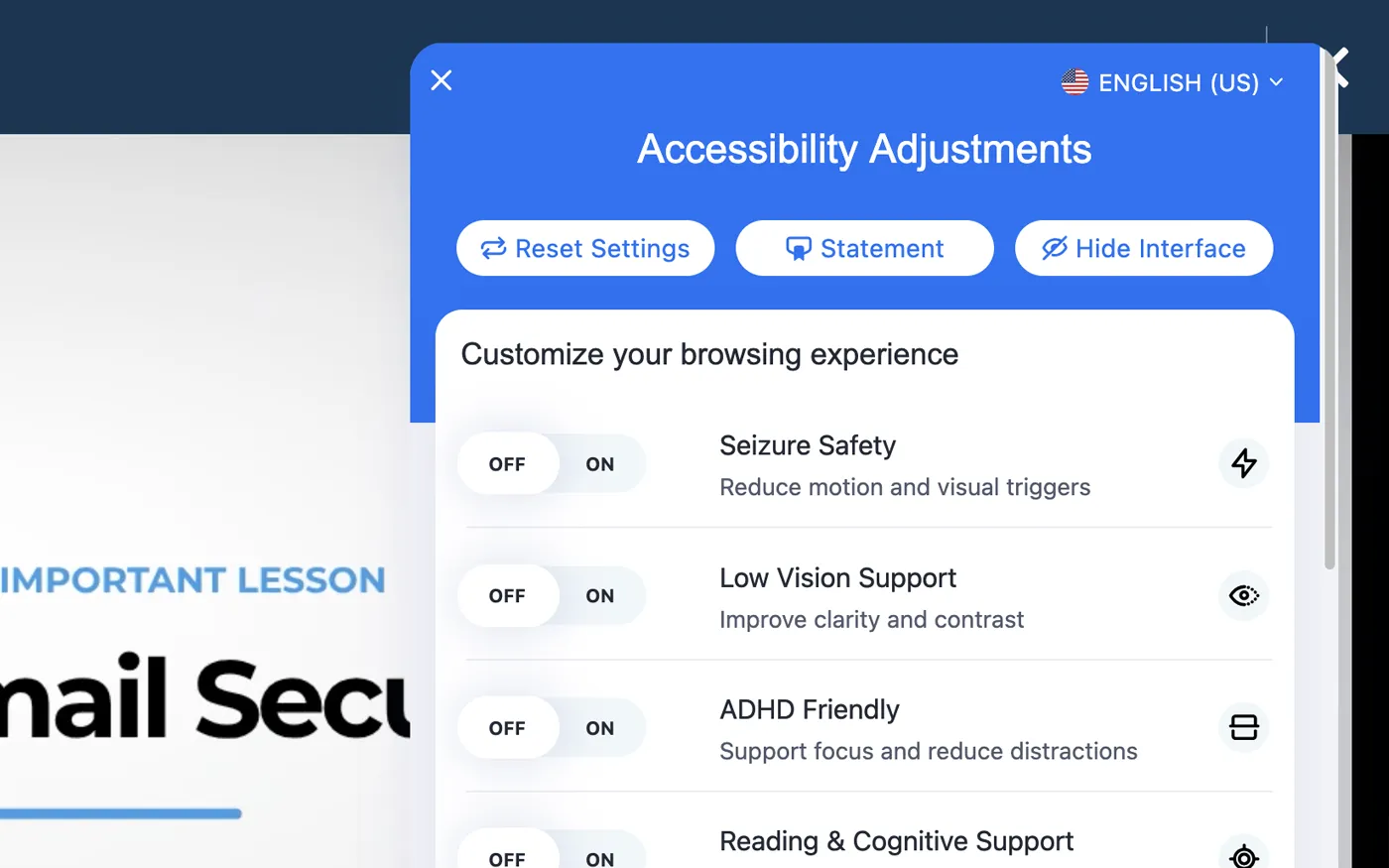
Designed to support more learners.
CFISA training is delivered through LightSpeed VT, which documents support for WCAG 2.0 accessibility practices, screen readers including JAWS, and closed-captioned video.

Texas-certified cybersecurity awareness training every year since 2020, now joined by certified AI awareness training.
Seven consecutive years of Texas cybersecurity certification.
CFISA has earned Texas cybersecurity awareness training certification every year since 2020.
Texas changed the cybersecurity training standard.
The new requirements reflect how the threat environment has changed, including current attack patterns, foreign-adversary awareness, generative AI, information protection, and updated reporting expectations.
So we changed our courses.
CFISA rebuilt its Texas cybersecurity training around the new standard rather than carrying forward the prior course.
CFISA’s separate Artificial Intelligence (AI) Awareness Training program is also certified by the Texas Department of Information Resources (DIR) under Texas law and aligned with Texas AI awareness training requirements.
Employees can be training within minutes.
CFISA-hosted eLearning is designed to get a workforce from purchase to assigned training without a long implementation project or complicated provisioning process.
Create your company account.
Complete the company setup and access the CFISA eLearning course library.
Add employees and choose their training.
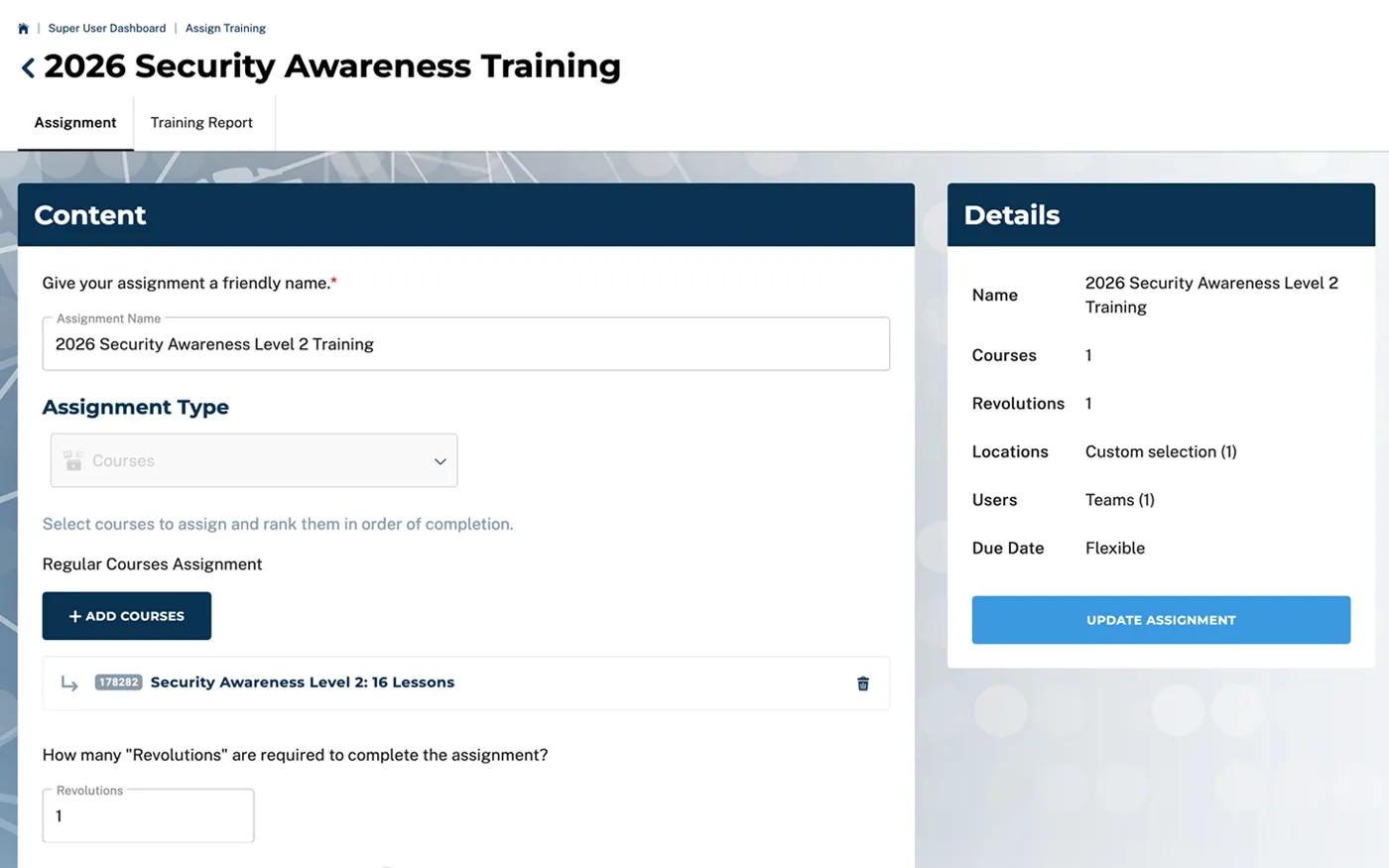
Assign employees individually or in bulk, then choose Essentials, Complete, or the Texas DIR-certified course.
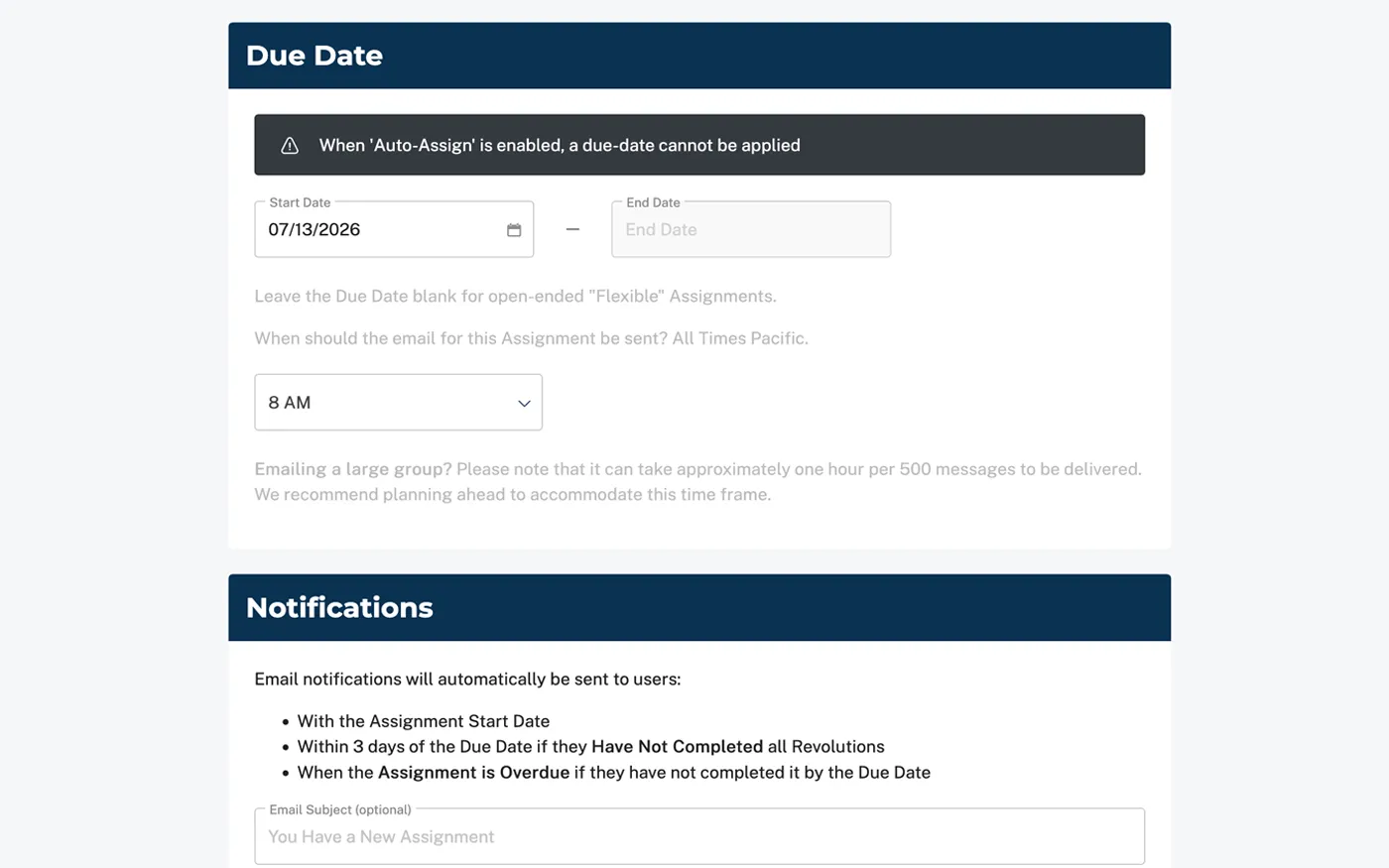
Set the due date and go live.
Configure the assignment details, activate the training, and let employee notifications begin.
Add 1 employee or 100. Set it once. Keep it running.
The platform is built so organizations can manage a small team or a larger workforce without turning annual training into a manual process.
Add a single employee at any time or load many users at once.
Use an Excel file to import users and create a custom email message.
New users can be added automatically to an existing assignment.
Assign PCI to card handlers, HIPAA to healthcare teams, and Security Awareness to broader staff groups.
Reduce manager logins by sending progress updates automatically.
Give more than one manager visibility into the same training program.
Track completion.
Keep the records your organization needs.
Managers can monitor employee progress and completion while each successful learner receives a dated Certificate of Completion.
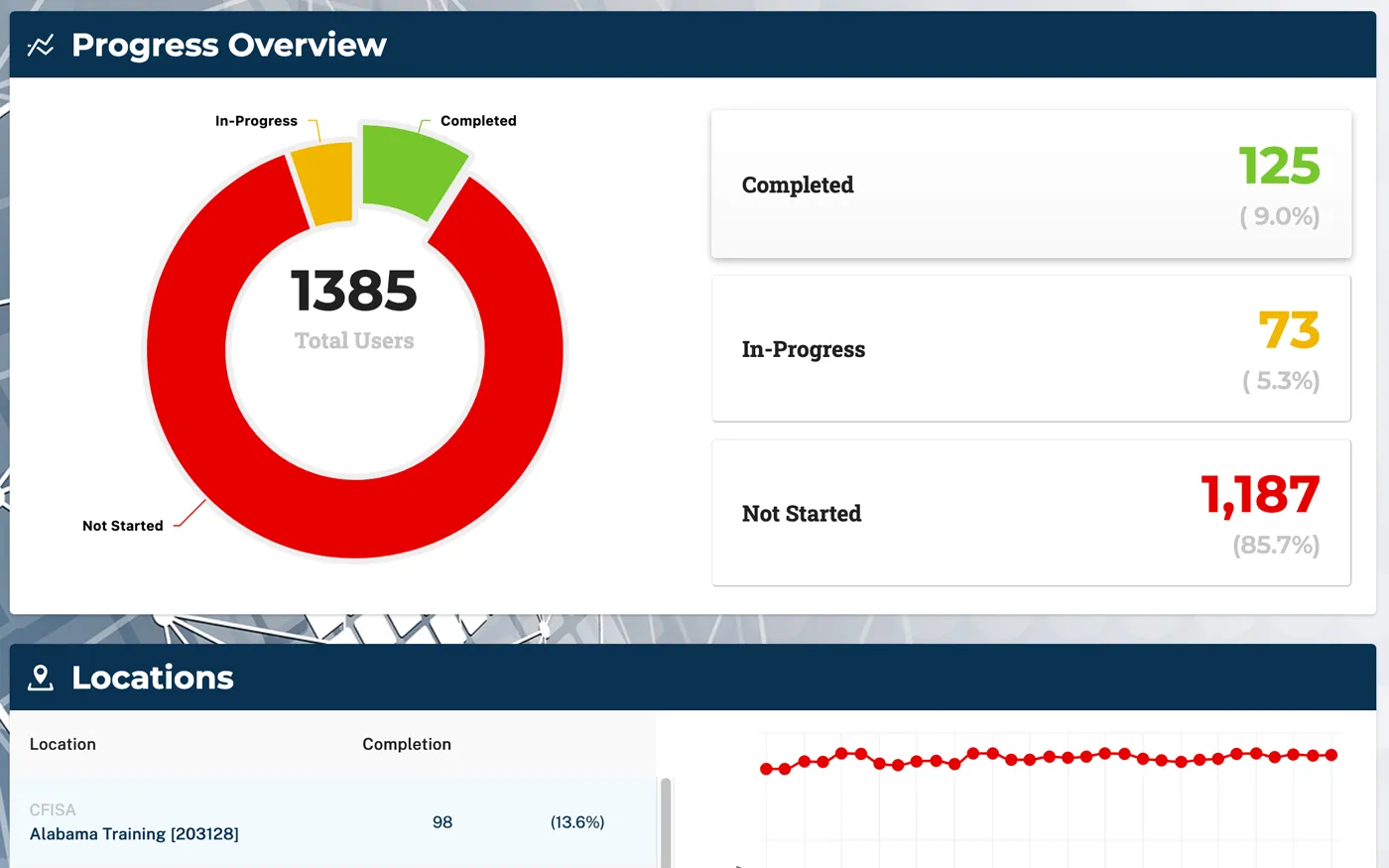
Know who has completed training and who still needs it.
Review progress without relying on manual spreadsheets or self-reported status.
- Progress overview by assignment or group
- Individual learner completion status
- Downloadable PDF and CSV reports
- Multi-location usage reporting
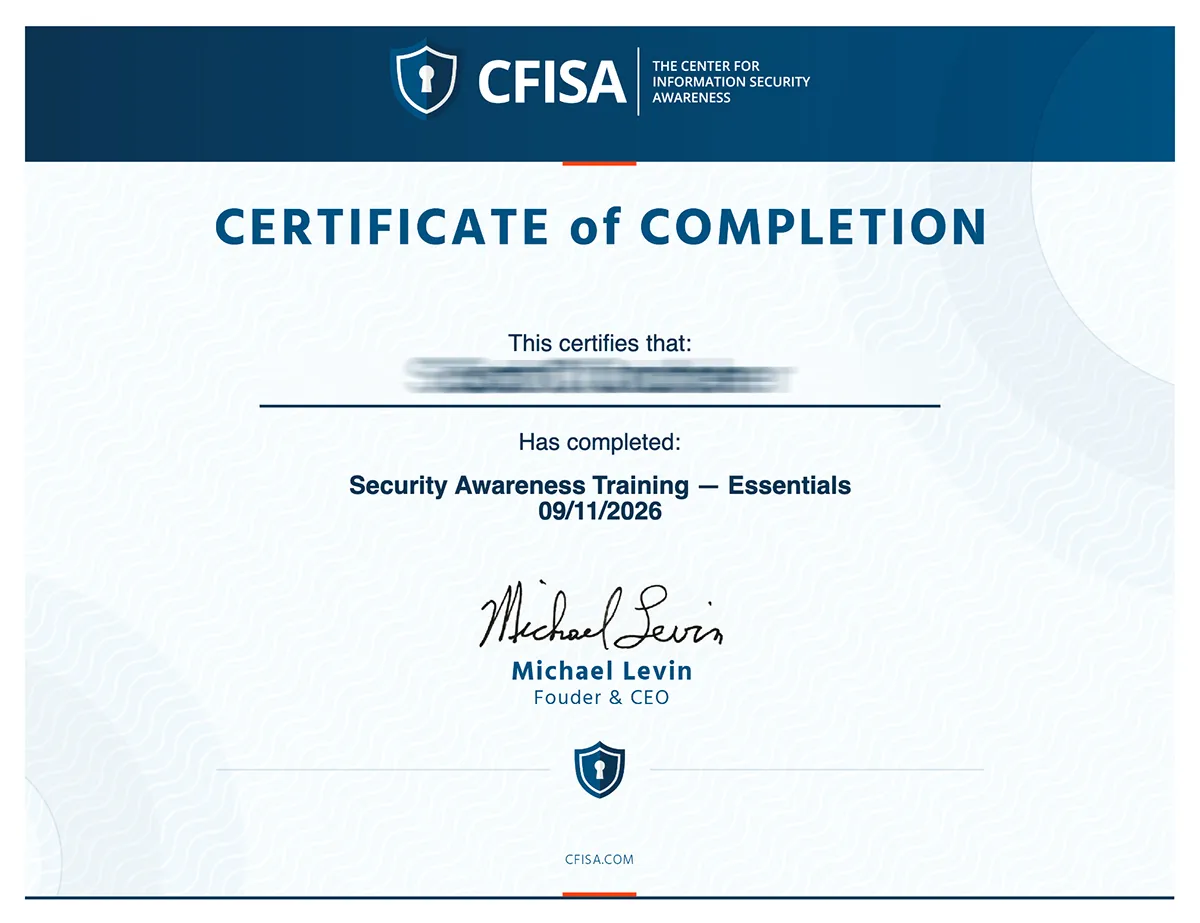
Useful for audits, training records, and annual documentation.
A dated Certificate of Completion gives the organization and employee an individual training record.
- Supports company and government audit documentation
- Provides individual proof of course completion
- Can be retained with HR or training records
- Helps document annual training and renewal cycles
Certificates document completion of CFISA training. They do not independently establish compliance with every regulatory obligation.
Required training can support professional development.
Qualifying CFISA Security Awareness courses support continuing professional education self-reporting for ISACA and ISC2 credential holders. CFISA publishes course-specific credit values and detailed curriculum-to-domain mappings to make reporting easier.
ISACA CPE self-reporting
CFISA Security Awareness Training aligns with cybersecurity, risk-management, information-security-program and incident-management areas found across applicable ISACA credentials.
Essentials
Complete
Texas Cybersecurity + AI
ISC2 Group A CPE self-reporting
CFISA Security Awareness Training contains relevant educational content across ISC2 topic areas including Security and Risk Management, Asset Security, Network Security, Identity and Access Management, and Security Operations.
Essentials
Complete
Texas Cybersecurity + AI

Cybercrime experience behind every CFISA course.
Michael Levin spent decades investigating cybercrime, protecting information systems, and leading cybersecurity programs before turning that experience into practical employee training.
Pay for employees who train. Not unused seats.
CFISA gives organizations a straightforward way to start Security Awareness Training without purchasing annual licenses for employees who may never use them.
- Security Awareness Training – Essentials
- Security Awareness Training – Complete
- Texas DIR-certified Security Awareness course
- Interactive assessments
- Certificates of Completion
- Manager progress and completion reporting
- One company account
- Usage-based billing
- All Security Awareness course options included
Start with the employees who need training now.
Add employees as needed. You are not purchasing a fixed annual block of unused licenses.
Start Security Awareness TrainingStraight answers about CFISA Security Awareness Training.
Understand what’s included, how quickly employees can start, what training costs, how completion is documented, and when to use the Texas-certified or enterprise options.
Employees can be training in minutes.
Start online with CFISA eLearning. One purchase includes Security Awareness Training – Essentials, Complete, and the Texas DIR-certified course.